Resources · Business
Outsource Video Editing: Options, Costs and How to Choose (2026)

By Christopher
January 26, 2025 · Updated August 16, 2026 · 8 min read
Businesses outsource video editing for one reason: footage piles up faster than anyone internally can cut it. Before choosing between a freelancer, an editing service and a subscription team, it helps to be precise about what you are buying.
Video editing is the process of selecting, trimming and arranging raw footage into a finished video, then adding sound, color, graphics and titles so it reads the way you intended. When you outsource video editing, you are buying that judgment and that time, not software.
Short answer. Occasional video, hire a freelancer per project. A specific big production, hire a production company. Video every week alongside design and motion work, a dedicated subscription team is usually the cheapest reliable option because the same editor keeps your brand, assets and preferences loaded.
Four ways to get video edited
| Option | How you pay | Turnaround in practice | Best for | Main risk |
|---|---|---|---|---|
| In-house editor | Salary plus software and hardware | Immediate while they have capacity | Constant, high-volume video | Fixed cost when volume dips, single point of failure |
| Freelancer | Per project or per finished minute | Depends on their other clients | Occasional projects | Availability and re-briefing every time |
| Editing service or marketplace | Per video, tiered by length | Queue based | Repeatable, templated cuts | A different editor each time |
| Subscription creative team | Flat monthly rate for capacity | Work moves as capacity frees, drafts land as they go | Weekly video plus design and motion | Match the plan to real volume |
Which option fits your volume
- A handful of videos a year. A freelancer per project keeps costs variable and matches the work.
- A steady stream of social cuts. A service or a subscription team wins, because the cost of re-briefing a new editor dominates everything else.
- Video plus static design plus motion. One team across all three avoids paying three separate providers to learn the same brand.
- A flagship brand film. Hire a production company. This is project work with a crew attached.
What to send when you outsource an edit
- Raw footage with a note on which takes you like.
- Brand assets: logo files, fonts, colors, lower-third styles.
- Reference videos that show the pacing you want.
- The placement and aspect ratios you need out the other end.
- Who approves it, so revisions do not loop.
If you need ongoing creative, here is how the Flocksy model works
Flocksy is a dedicated subscription team. You get the same designer, video editor, motion editor and illustrator on your account, with copywriting support on request, so nobody has to relearn your brand every time you send work in. For video specifically that means an editor and a motion editor on the same plan as your designer, so a cut and its animated titles do not live with two different vendors.
- Flat monthly plans. Plans are sold in daily creative hours, from 2 to 10 daily hours, and start at $1,199/mo, billed annually ($1,699/mo on monthly billing).
- Hours bank. Time you do not use rolls over for 30 days, so a quiet week pays for a heavy one.
- Senior help as you scale. A Production Coordinator is included on 4+ Daily Hour plans and an Art Director joins on 6+ Daily Hour plans.
- Every minute tracked. The portal shows what the plan bought, request by request.
- Cancel anytime. Access continues through the end of your current billing cycle.
The formats we produce most are listed on our video and motion page, and Video Husky vs Flocksy shows how a video-only subscription compares with a multi-discipline one.
Frequently asked questions
How much does it cost to outsource video editing?
Freelancers price per project or per finished minute, so the bill moves with volume. Subscription teams price capacity at a flat monthly rate instead, and Flocksy plans start at $1,199/mo, billed annually with video, motion and design covered by the same plan.
Is it better to outsource video editing or hire an editor?
Hire when video is constant enough to fill a full-time role on its own. Outsource when volume swings month to month, or when you need design and motion alongside the edit.
What is a video editing subscription?
A flat monthly plan that buys ongoing editing capacity from the same team rather than a fixed number of deliverables. Unused capacity on a Flocksy plan banks for 30 days.
What do I need to hand over to an editing team?
Raw footage, brand assets, a reference for pacing, the aspect ratios you need, and one named approver.
Video editing explained in full
Video editing is the process of selecting, cutting, arranging, and refining raw footage into a finished video. It covers everything from removing the parts nobody needs to see, to setting the pace of the story, balancing audio, correcting color, and adding titles, graphics, and effects. The footage is the raw material. The edit is where it becomes something worth watching.
This guide explains what video editing actually involves, what an editor does day to day, and - the part most articles skip - how businesses get video edited without hiring a full-time editor.
What video editing actually involves
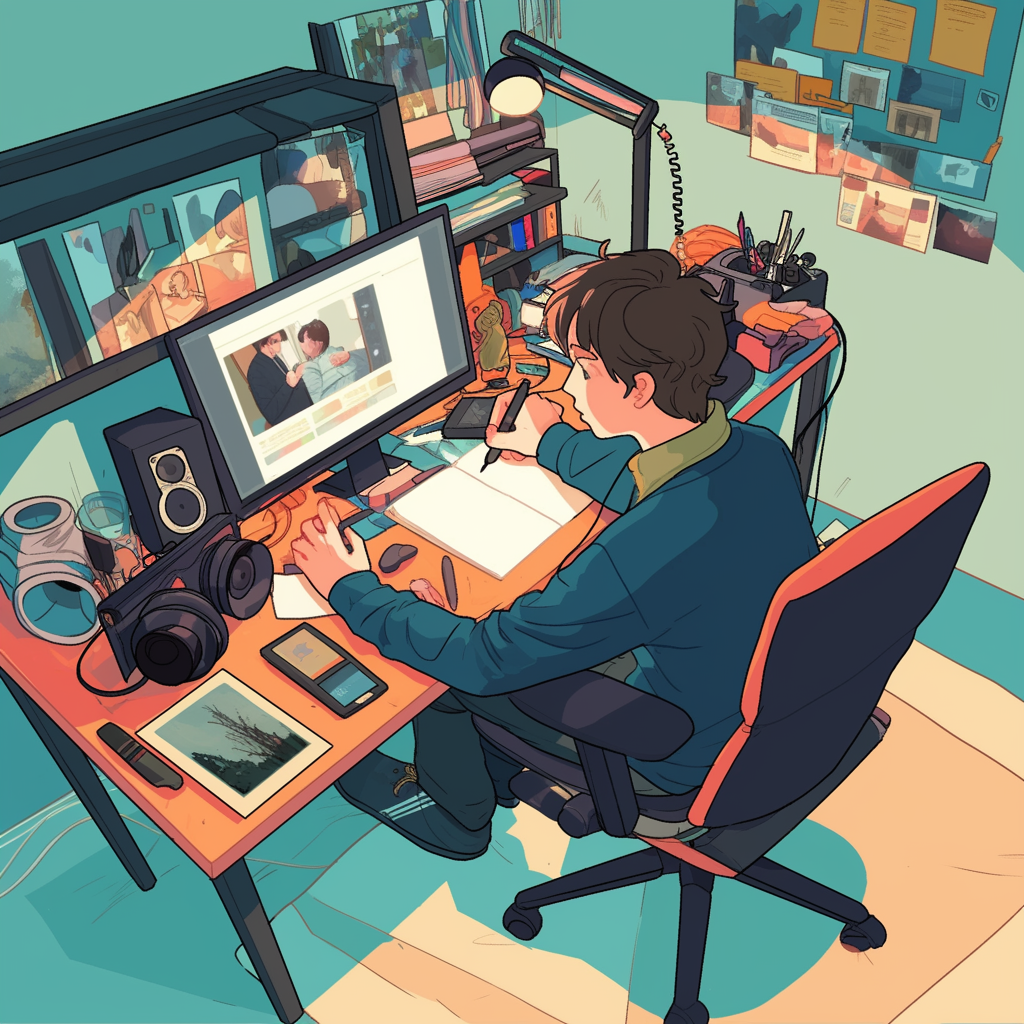
Most edits move through the same stages, whether the final piece is a 15-second ad or a 40-minute documentary.
- Ingest and organize. Footage, audio, music, and graphics are imported, labeled, and synced. Good organization here is why some editors finish in hours and others lose a day.
- Assembly. The usable takes are laid out in rough order. Nothing is pretty yet, the point is to see whether the story holds.
- Rough cut. Pacing takes shape. Dead air comes out, the structure gets tightened, and the piece starts to feel like the final length.
- Fine cut. Frame-level trimming, transitions, B-roll, and the small timing decisions that separate an amateur edit from a professional one.
- Audio. Levels, noise reduction, music, and sound design. Audiences forgive rough visuals far more readily than bad audio.
- Color. Correction first so shots match, then grading to set the mood.
- Graphics and titles. Lower thirds, captions, logo animation, and motion elements.
- Export. Different aspect ratios, resolutions, and captions for each platform the video will run on.
Editing versus motion graphics
The two get bundled together and they are not the same skill. Editing is about choosing and sequencing what already exists. Motion graphics is about creating animated elements that never existed in the footage - animated logos, kinetic type, data visualizations, product callouts.
Plenty of editors do a little motion work and plenty of motion designers can cut a timeline, but strong output in both usually means two people. That distinction matters when you are hiring: asking one generalist to cover both is the most common reason business video looks slightly off.
The tools editors use
- Adobe Premiere Pro - the common denominator in commercial and marketing work, largely because it moves cleanly between After Effects and the rest of the Adobe stack.
- DaVinci Resolve - the strongest color pipeline, and increasingly a full edit suite.
- Final Cut Pro - fast on Apple hardware and popular with solo editors.
- After Effects - motion graphics and compositing, not editing.
- CapCut and similar - fine for quick social cuts, limiting once brand consistency matters.
Software choice matters much less than the person using it. A skilled editor produces better work in a basic tool than an inexperienced one produces in a professional suite.
How long editing actually takes

A rough planning guide for marketing video, assuming footage is usable and the brief is clear:
- Short social cut (15-30 seconds) from existing footage: a few hours.
- Product or explainer video (60-90 seconds) with graphics: one to three days.
- Interview or case study (2-4 minutes) from multi-camera footage: several days.
- Long-form or heavily animated work: a week or more.
The variables that blow those numbers out are almost never technical. They are unclear briefs, missing assets, and revision rounds where each reviewer sees the cut for the first time.
Three ways to get video edited

1. Hire in-house
Best when video is a core, daily part of the business. You get full context and instant availability. You also carry salary, software, hardware, and the awkward reality that most companies do not have 40 hours of editing a week - but do occasionally have 40 hours in one week.
2. Freelancers and marketplaces
Best for occasional, well-defined projects. Cheap per job, flexible, and easy to start. The hidden cost is continuity: every new editor needs the brand explained again, and the good ones book up exactly when you need them.
3. A subscription creative team
Best when video is steady but not enough to justify a full-time hire. You pay a flat monthly rate for a dedicated team rather than per project.
This is the model Flocksy runs. Your team includes a video editor and a motion editor - plus a designer and illustrator for thumbnails, end cards, and campaign assets - and they stay on your account, so the second video is faster than the first. Plans are built on daily creative hours, 2 to 10 daily hours, starting at $1,199/mo, billed annually or $1,699/mo billed monthly. Unused hours roll over for 30 days, work moves quickly, and you can cancel at the end of your current billing cycle.
What to send an editor so the first cut lands
- The goal of the video and where it will run, including aspect ratio.
- A target length. "Short" is not a length.
- All footage, plus any logo files, fonts, and brand colors.
- Reference videos with a note on what specifically you like about each.
- One consolidated set of feedback with timecodes, not three people commenting separately.
Frequently asked questions
Is video editing hard to learn?
The software takes days. The judgment - pacing, when to cut, what to leave out - takes years. Most people can produce a competent social cut within a few weeks of practice.
What software do professional video editors use?
Premiere Pro, DaVinci Resolve, and Final Cut Pro are the standards, with After Effects handling motion graphics.
How much does it cost to outsource video editing?
Freelancers typically charge per project or per finished minute. Subscription teams charge a flat monthly rate for ongoing capacity - Flocksy plans start at $1,199/mo, billed annually.
Do you need a degree to be a video editor?
No. Hiring decisions are made on reels and turnaround reliability, not credentials.
From the studio
Want this handled for you?
A dedicated designer, video editor, motion editor, and illustrator who learn your brand and ship work every business day. Flat monthly rate. Banked hours roll over for 30 days. Cancel anytime.