Resources · Marketing
How to build an AI creative workflow that produces usable work

By Flocksy Staff Writer
November 10, 2026 · 8 min read
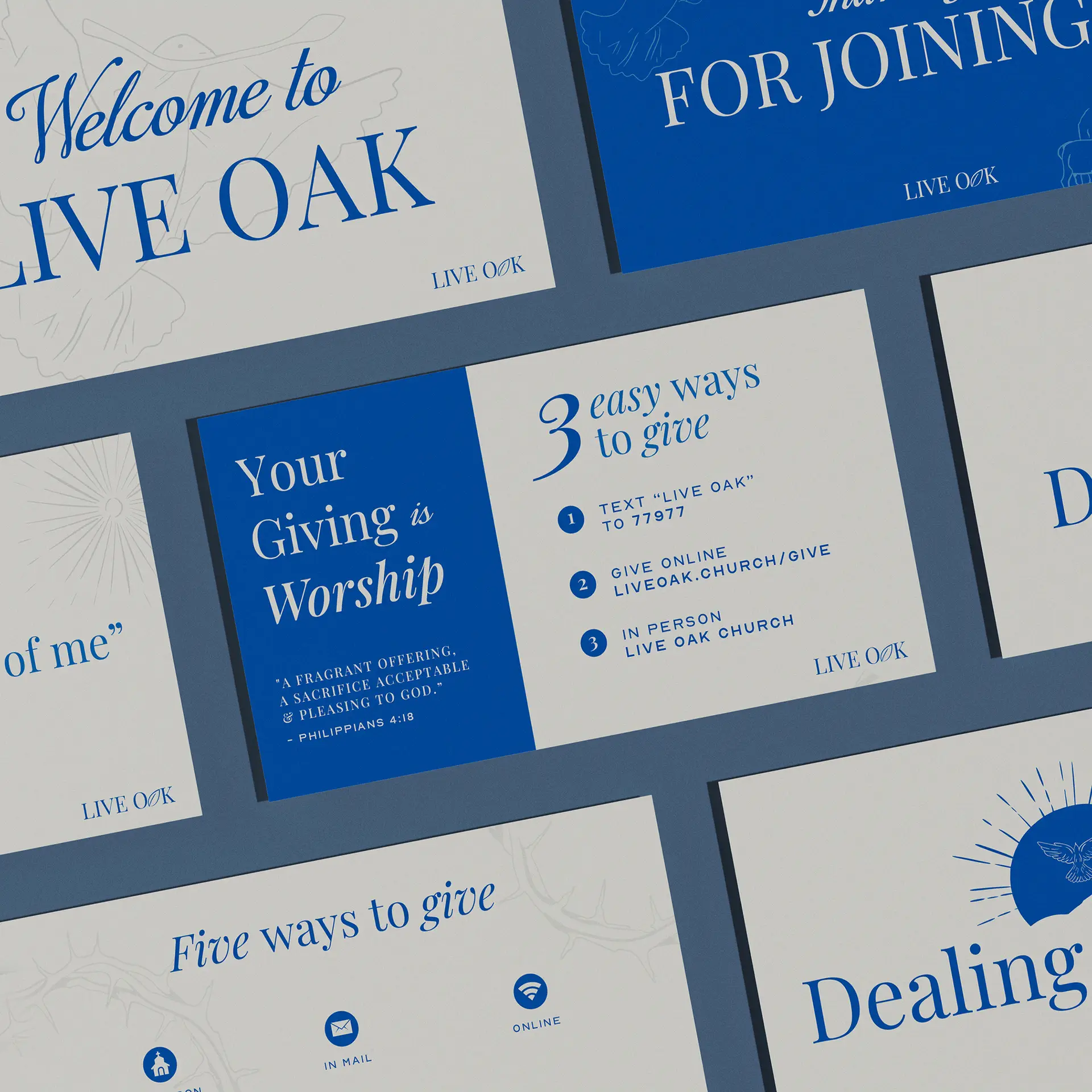
An AI creative workflow that produces usable work has six stages: brief, generate, select, craft, review and library. AI is fast at generating options and at repetitive production. A person has to own the brief, the choice of direction, the craft and the approval to publish, or the output stays generic and drifts off brand.
The table below puts the whole system on one screen. The sections after it take each stage in turn, name the way it usually fails, and say who should own it.
The six stages of an AI creative workflow
| Stage | What AI does well here | What a person must own here | What breaks when you skip the person |
|---|---|---|---|
| 1. Brief | Turns rough notes into a structured brief, flags missing fields, summarizes past feedback | The goal, the audience, the single message and what a good outcome looks like | Every output is polished and aimed at no one in particular |
| 2. Generate | Produces rough layouts, headlines, references and early concepts quickly | The inputs: brand references, approved copy and the limits set by the brief | Volume replaces direction, and every option shares the same generic look |
| 3. Select | Groups, tags and lays out options side by side for comparison | The choice of direction, judged against the brief | The team picks the most striking option instead of the one that does the job |
| 4. Craft | Cleanup, background extension, size and format variants, transcripts and draft captions | Composition, typography, color, story, pacing and every detail the audience notices | The work looks almost right, and small flaws make the brand look careless |
| 5. Review | Catches spelling errors, low contrast, missing sizes and files that miss a platform's specs | Brand fit, accurate claims, rights to every element and the decision to publish | Off-brand or inaccurate work goes live and has to be fixed in public |
| 6. Library | Tags, searches and retrieves past files, references and prompts | What counts as approved, how it is labelled, and what gets retired | Every job starts from zero and output drifts further from the brand |
Stage 1: The brief decides what the work is for
AI is genuinely useful at the brief stage. It can turn a page of rough notes into a structured brief, point out a missing detail such as the format sizes, and summarize what a stakeholder said about the last round. What it cannot do is decide what the work is for. That decision belongs to the person who answers for the result.
A usable brief names one audience, one message, the formats needed and what a good outcome looks like. It also says what the work must not do. Someone senior, often a creative director or the marketing lead, should approve the brief before any generation starts.
How it fails: the brief reads well and commits to nothing. Every output that follows is polished and aimed at no one in particular, and the team only finds out at review, when changing course costs the most.
Stage 2: Generation gives you options, not answers
Generation is where AI is fastest. It can produce rough layouts, headline options, reference images and early concepts far faster than a person can sketch them. Treat that output as raw material for a decision, not as the decision itself.
What comes out depends on what goes in. A generic prompt returns the same generic look everyone else is getting. Strong inputs are specific: approved brand references, real product photos, copy that has already been signed off, and the limits set by the brief. Turning a brand into inputs a tool can use is covered in how to keep AI-generated creative on brand.
How it fails: volume replaces direction. The team generates more and more options, they all share a family resemblance, and nobody can say which one answers the brief.
Stage 3: Selection is a judgment call against the brief
AI can help you compare options. It can group similar directions, tag them and lay them out side by side. It should not make the choice. Selection is where someone holds each option up against the brief and asks whether it says the one thing the work needs to say, to the people it needs to reach.
One habit helps: write a single sentence explaining why the chosen direction wins, and make that sentence refer to the brief. If you cannot write it, the choice was made on looks alone.
How it fails: the team picks the most striking option rather than the one that does the job. Striking and effective overlap less often than people expect.
Stage 4: Craft turns a direction into finished work
Craft is where a chosen direction becomes something you can publish. AI earns its place here on repetitive production work: cleaning up images, extending a background, producing size and format variants of an approved design, transcribing footage and drafting captions. A designer, video editor, motion editor or illustrator owns everything the audience will actually notice, including composition, typography, color, story and pacing.
Craft is the stage where most in-house teams stall, because it needs skilled people every week, and it is the stage a dedicated creative team already staffs, which is how Flocksy pairs its people with AI.
For a task-by-task view of what AI can handle in design, read can AI replace a graphic designer? For one video job walked from raw footage to export, read the AI video editing workflow, step by step.
How it fails: the work looks almost right. Letterforms are slightly off, a logo is redrawn instead of placed, a product is distorted, or a layout ignores the grid. Each flaw is small, and together they make a brand look careless.
Stage 5: Review protects the brand and the business
AI can catch mechanical problems before a person looks: spelling errors, missing sizes, low contrast and files that do not match a platform's specs. The decision to publish should rest with a named person who checks brand fit, the accuracy of every claim, and whether you have the right to use every element in the piece.
A pre-publish checklist you can copy, including provenance and licensing checks, is in the brand article in this series.
How it fails: off-brand or inaccurate work goes live, and fixing it in public costs far more than catching it in review.
Stage 6: The asset library is the stage most teams skip
The last stage is the one most teams never build. Without an asset library, every job starts from zero. Someone hunts for the latest logo file, rewrites a prompt that worked last month, and regenerates an image that was already approved. AI makes this worse, because producing something new is so easy that nobody goes looking for what already exists.
A working library holds approved final files and their source files, current brand references, the prompts and inputs that produced good results stored next to those results, and a clear label on anything retired. AI can tag what goes in and make it searchable. A person decides what counts as approved and retires what no longer fits.
The library also closes the loop. It feeds stage 2 with better inputs, so each round of generation starts closer to the brand than the last one did.
How it fails: every job starts from zero, the same mistakes repeat, and each new batch of AI output drifts a little further from the brand.
The rest of this series goes deeper on each part
- Can AI replace a graphic designer? sorts common design jobs by how much of each one AI can handle.
- The AI video editing workflow walks one video edit from raw footage to export.
- Producing ad creative at volume sets out a weekly production cadence for ads.
- How to keep AI-generated creative on brand gives you a pre-publish checklist.
To see the kind of finished work this process should end in, browse client work.
Frequently asked questions
What is an AI creative workflow?
An AI creative workflow is a repeatable process for producing marketing creative with AI tools in the loop. A practical version has six stages: brief, generate, select, craft, review and library. AI speeds up generation and repetitive production, while people own the brief, the choice of direction, the craft decisions and the approval to publish.
Which stages of a creative workflow should a person always own?
A person should own the brief, the selection of a direction, the craft decisions an audience notices, and the approval to publish. AI can assist at each of those stages, for example by structuring rough notes or flagging spelling errors, but the decisions themselves need someone who answers for the result.
Can AI write a creative brief?
AI can turn rough notes into a well-structured brief and point out missing details such as formats or deadlines. It cannot decide what the work is for. The goal, the audience, the single message and what a good outcome looks like should come from the person accountable for the result, who approves the brief before generation starts.
Why do AI creative workflows fail?
Most fail at the human stages around the AI. Vague briefs produce polished work aimed at no one, teams choose the most striking option instead of the most effective one, near-miss craft errors slip through review, and nobody maintains an asset library, so every job starts from zero and the output drifts away from the brand.
What should a creative asset library contain?
A creative asset library should hold approved final files and their source files, current brand references, the prompts and inputs that produced good results stored next to those results, and a clear label on anything retired. One person should decide what counts as approved, so the library feeds better inputs into the next round of work.
From the studio
Want this handled for you?
A dedicated designer, video editor, motion editor, and illustrator who learn your brand and ship work every business day. Flat monthly rate. Banked hours roll over for 30 days. Cancel anytime.